EzCaptcha — buy FunCaptcha Outlook/Twitter from $1.2/1K!
 RemProxy — budget, nimble proxies for any task
 The largest pool of residential proxies from $1.2. GEO. HTTP|SOCKS4/5
 MailerKing — best SMTP and webmailer ever!
|
Nov 10
|
MailBot has been updated to version 17.98.
Starting around October 8th, Outlook disabled POP/IMAP activation for all new accounts at the administrator level of the Microsoft Exchange server that hosts Outlook email!
Important! This restriction expires two days after account creation.
You won’t be able to activate POP/IMAP in a newly created Outlook account, even if you create it manually in a browser, confirm your recovery email, and enable the “POP” and “IMAP” switches in the “Forwarding and IMAP” section of your account settings:
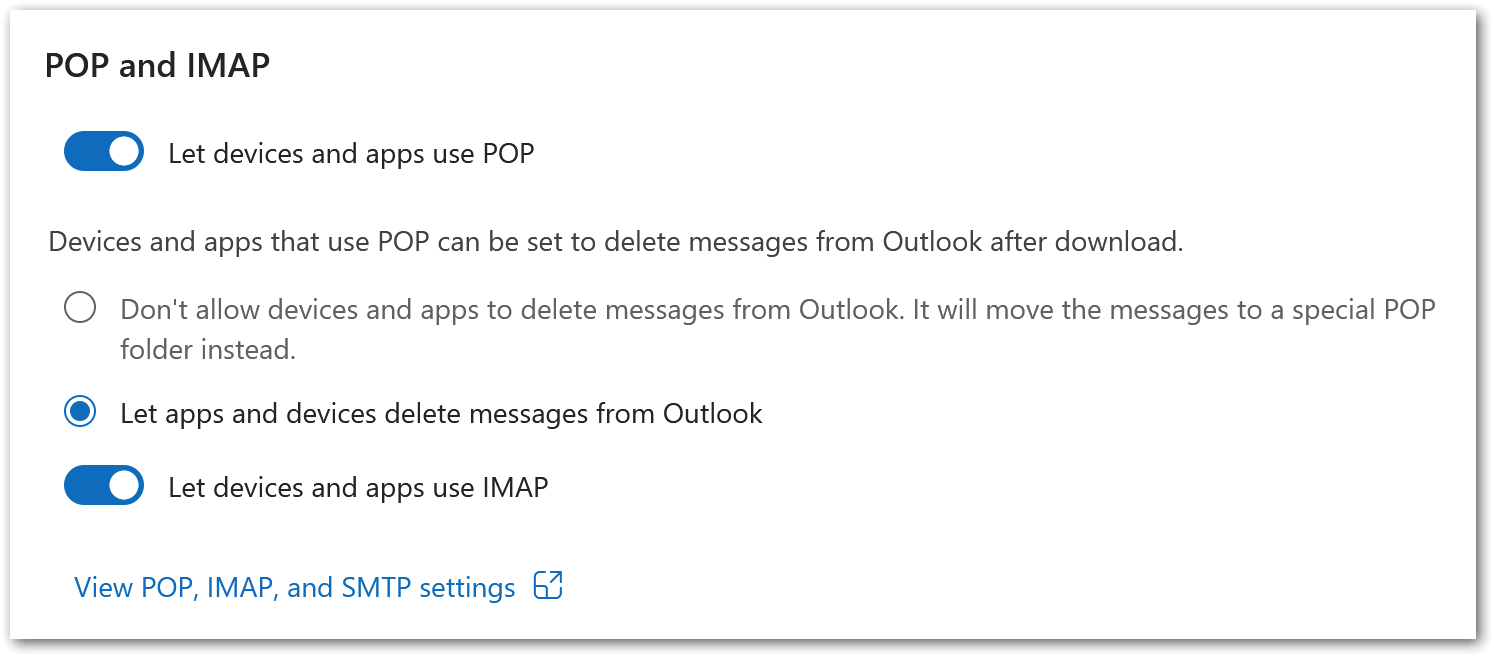
The switches will be drawn as enabled, but any HTTP requests that are sent will receive a 500 Internal Server Error response from the server with the following error JSON:
{
  "Body": {
    "ErrorCode": 500,
    "ExceptionName": "OwaInvalidOperationException",
    "FaultMessage": null,
    "IsTransient": false,
    "ResponseCode": "ErrorInternalServerError"
  }
}
You won’t see any error in the Outlook web interface. The IsTransient field, set to false, indicates that the error isn’t temporary, but caused by a configuration (policy restriction). In simple terms, this means Read more »